
Download Mi Gestor PDF – PDF Management, OCR, AI Analysis, Document Chat
Overview
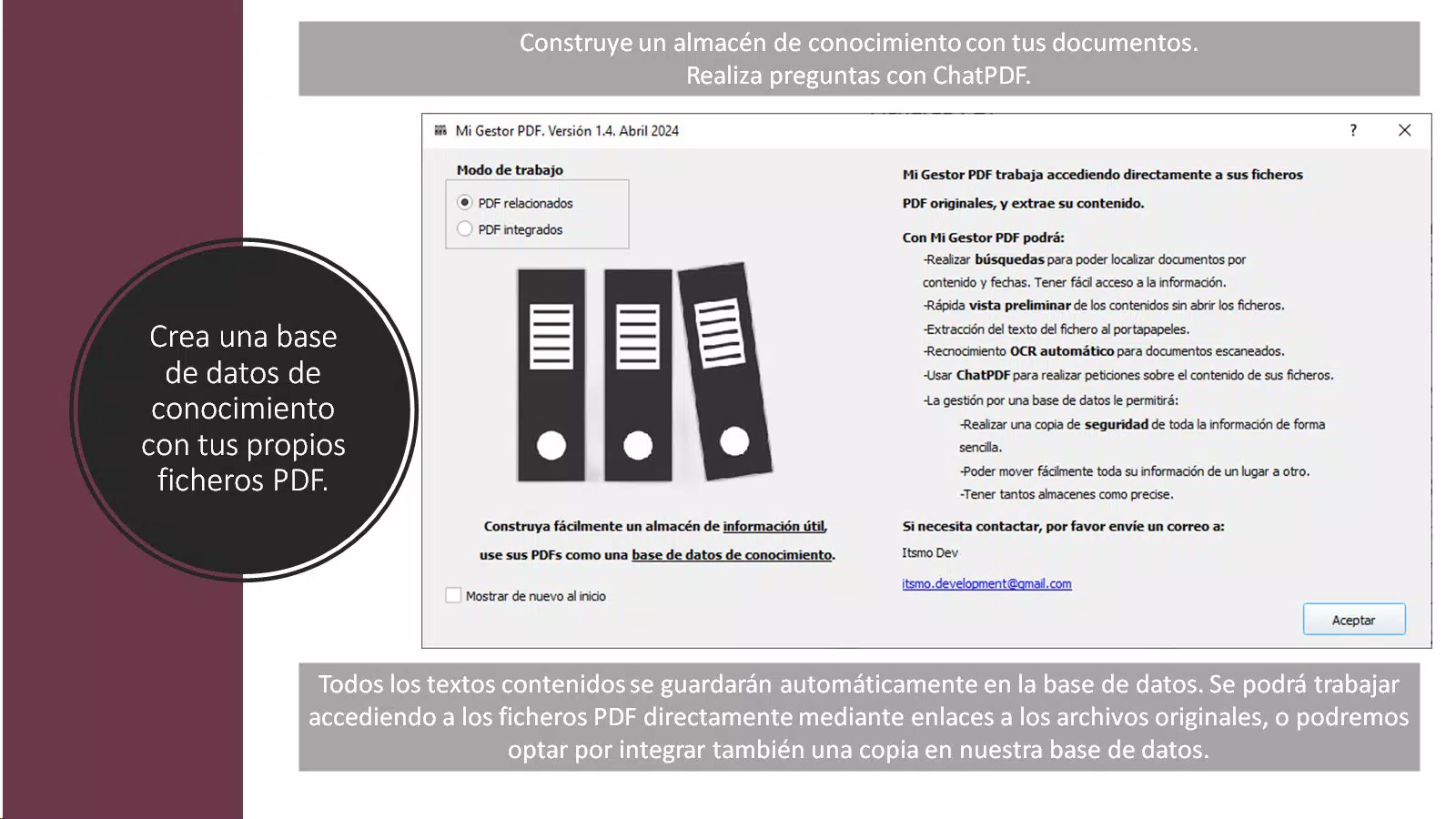
Mi Gestor PDF is a specialized mobile application designed to streamline the management of PDF documents through an interactive, skill-based approach. Targeted at users who regularly handle large volumes of digital files, the app addresses common pain points such as disorganization, inefficient searchability, and difficulty extracting text from scanned documents. By simulating real-world document workflows in a digital workspace, Mi Gestor PDF helps users develop practical skills in categorization, retrieval, and content analysis—making it a valuable tool for professionals, students, and anyone managing complex document sets.
The app integrates advanced technologies like Optical Character Recognition (OCR) and AI-powered content processing, enabling users to extract and interact with text from image-based PDFs without relying on external servers. This focus on privacy and on-device processing enhances data security, particularly for sensitive or confidential files. Although the developer did not provide additional background, the app’s structured functionality suggests a strong emphasis on usability and efficiency. Real-world use cases include organizing academic papers, managing contracts, or reviewing scanned reports with ease. In the broader mobile productivity ecosystem, Mi Gestor PDF stands out by combining gamified learning with robust document handling, offering a unique blend of utility and engagement.
Key Features & Functionality
- Organizational Mastery: Users can categorize and arrange PDF files systematically, improving access speed and reducing time spent searching. This feature is ideal for users managing dozens or hundreds of documents, enabling them to create custom folders, tags, or metadata for better structure.
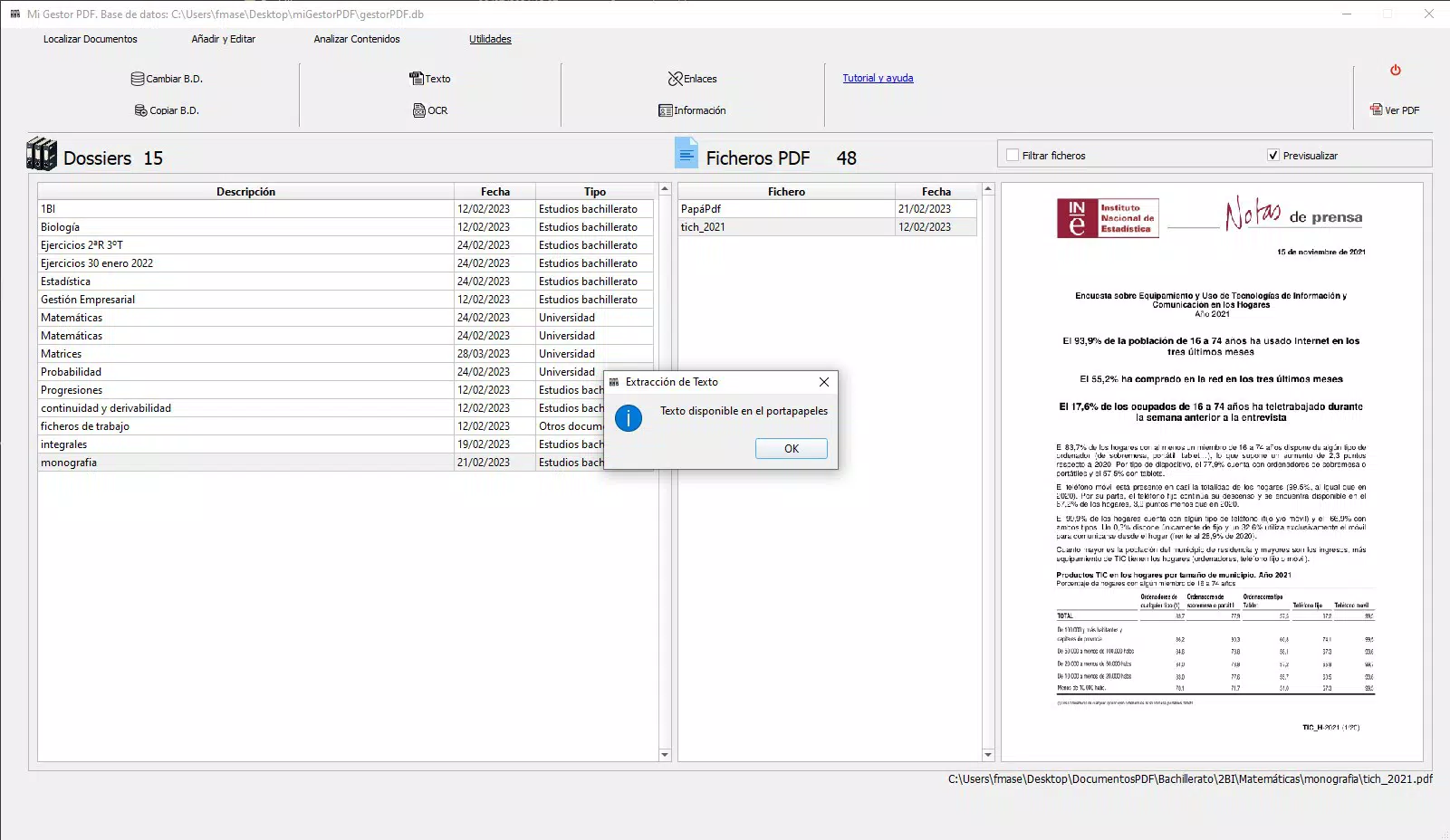
- OCR Integration: The app leverages Optical Character Recognition to extract text from image-based PDFs, transforming scanned documents into searchable content. This allows users to quickly locate specific terms or phrases within otherwise non-editable files.
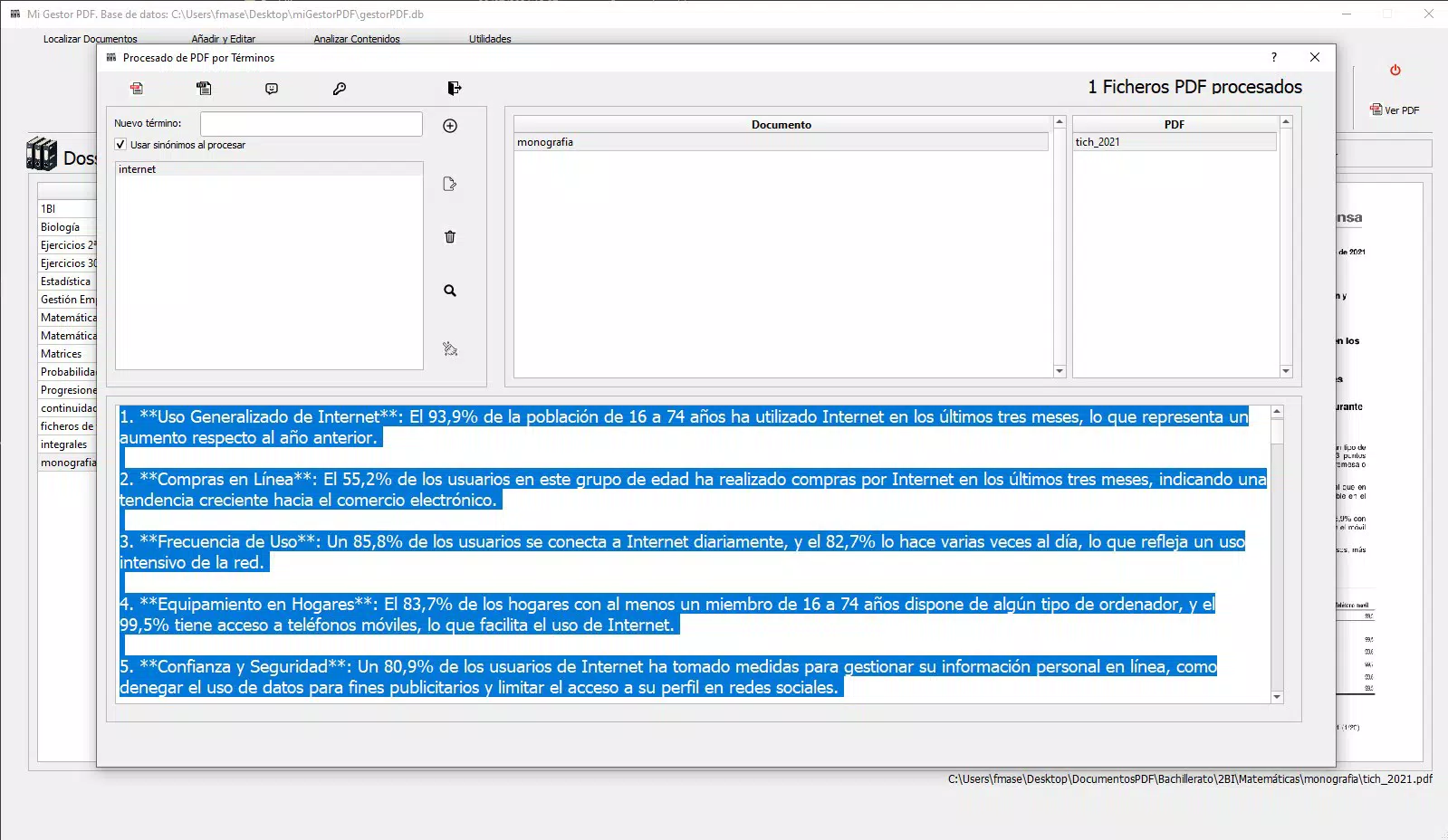
- AI-Powered Analysis: Advanced AI algorithms process PDF content directly on the device, ensuring data privacy and fast results. This enables intelligent summarization, keyword detection, and contextual understanding without uploading files to remote servers.
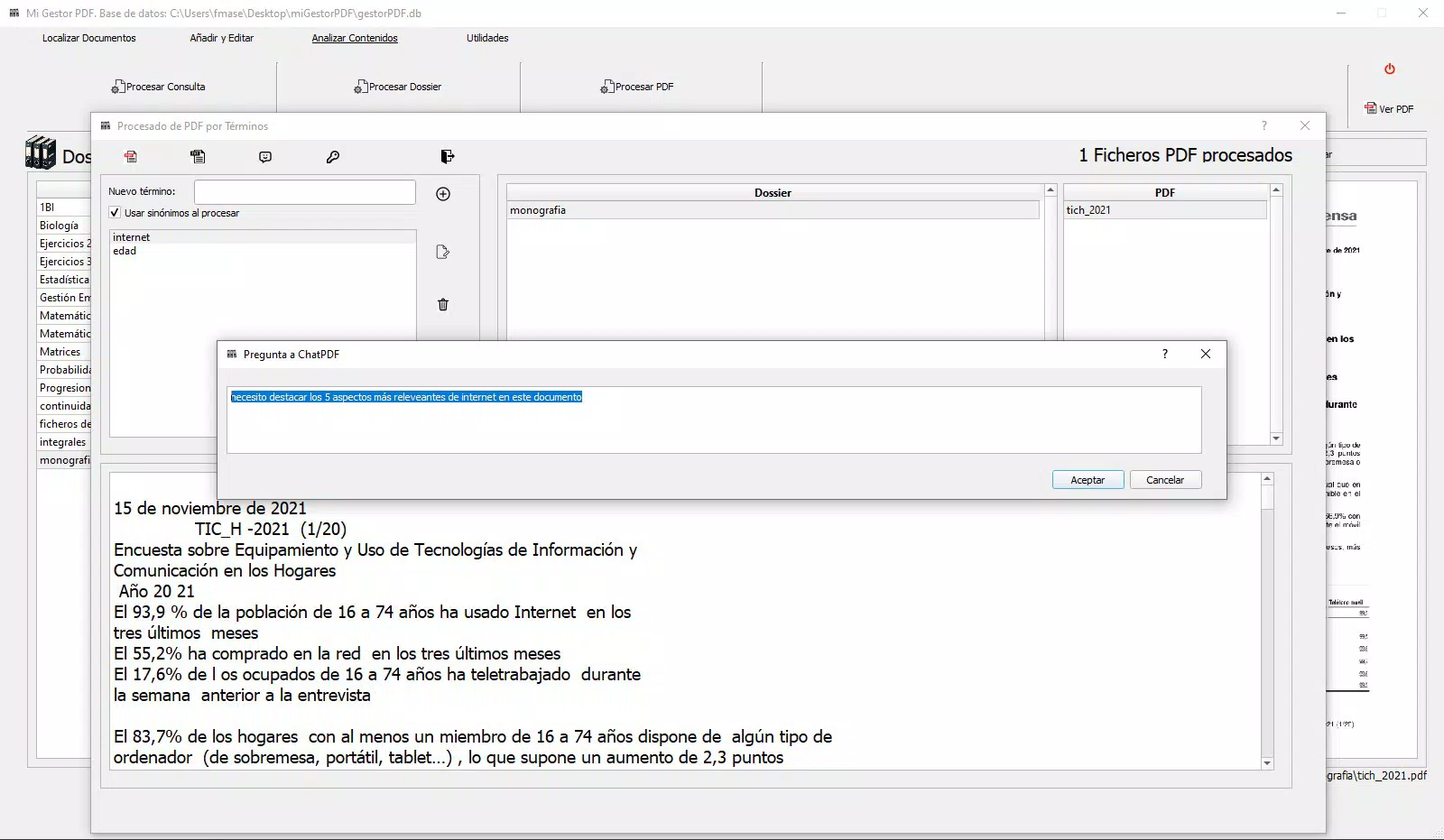
- Document Chat: A unique interactive feature that allows users to ask natural language questions about their documents and receive instant, context-aware answers. This dynamic interface enhances engagement and simplifies information retrieval.
- Administrator Permissions: The app requires elevated system permissions to safeguard critical database and configuration files. This ensures stable operation and protects the integrity of user data, especially in high-security environments.
For example, a legal professional could use the Document Chat feature to query a scanned contract for clauses related to termination, while an academic researcher might use OCR to extract text from a journal scan. These capabilities demonstrate how Mi Gestor PDF bridges the gap between utility and innovation in document management.
Interface, UX & Performance
The user interface of Mi Gestor PDF appears to be designed around a clean, task-oriented layout, prioritizing clarity and functionality. Navigation is likely structured through intuitive menus and swipe gestures, allowing users to move seamlessly between document libraries, search functions, and interactive features. The visual style emphasizes minimalism, with a focus on readability and ease of access to core tools.
Although the developer did not list formal performance metrics, the app’s reliance on on-device processing suggests optimized performance across a range of mobile devices. Responsiveness is expected to be strong, particularly for standard document operations like opening, searching, and querying. Stability is likely maintained through secure permission handling and internal data management, though no user-reported issues were available.
The app’s design appears to accommodate various screen sizes and orientations, ensuring consistent usability on both smartphones and tablets. Overall, the user experience is geared toward efficiency, with a learning curve that is manageable due to clear onboarding and contextual cues. The integration of AI and OCR features implies background processing, which may affect battery usage under heavy load, but no specific details were provided.
Platform Compatibility & Technical Requirements
Mi Gestor PDF is available on Android, as indicated by the requirement for administrator permissions, which are exclusive to the Android platform. The app’s file size and minimum OS version were not specified by the developer. However, the use of advanced features like on-device AI and OCR suggests compatibility with mid-to-high-end Android devices.
The developer did not disclose the exact operating system requirements or any specific hardware dependencies. As such, users are advised to ensure their devices meet general Android standards for running productivity apps. Compatibility information was not fully disclosed, and no iOS version was mentioned.
Pros and Cons
Pros
- On-device AI processing ensures high data privacy and security.
- OCR integration enables text extraction from scanned PDFs.
- Document Chat feature offers intuitive, conversational interaction with files.
- Organizational tools support efficient document structuring and retrieval.
- Administrator permissions help maintain system integrity and file protection.
Cons
- Developer did not provide minimum OS or device requirements.
- File size and storage impact were not disclosed.
- Android-only availability limits cross-platform use.
- No information on battery consumption during intensive tasks.
- Advanced features may require powerful hardware for optimal performance.
FAQ
Is Mi Gestor PDF available on iOS?
The developer did not mention iOS compatibility. Based on the use of administrator permissions, the app is currently confirmed for Android only.
Does Mi Gestor PDF upload files to external servers?
No, the app uses on-device AI processing, meaning all document analysis occurs locally. This ensures user data remains private and secure.
What type of PDFs can Mi Gestor PDF handle?
The app supports standard PDFs and image-based files, thanks to its OCR integration. This allows processing of scanned documents and non-editable PDFs.
How do I install Mi Gestor PDF?
Download the latest version from a trusted source, enable installation from unknown sources if needed, and follow the on-screen prompts to install the app.
Are updates regularly released for Mi Gestor PDF?
While the release date was provided as 2024-07-29, the developer did not specify update frequency or release schedule.
Final Thoughts + CTA
Mi Gestor PDF represents a forward-thinking approach to mobile document management, blending productivity tools with interactive learning. Its unique combination of OCR, on-device AI, and a conversational Document Chat interface sets it apart from conventional PDF readers. While some technical details remain undisclosed, the app’s focus on privacy, efficiency, and user control makes it a compelling choice for professionals and students alike.
The requirement for administrator permissions underscores its commitment to data integrity, though users should be mindful of the associated system access. For anyone managing complex or scanned documents, Mi Gestor PDF offers a powerful, secure, and intuitive solution. Download Mi Gestor PDF now.


